Every product you sell has a number. Under GST, that number — the Harmonized System of Nomenclature (HSN) code — decides your tax rate, appears on your invoices, and feeds your returns. Using the wrong one means charging the wrong rate, which means either losing margin or owing the difference later.
What an HSN code actually is
The HSN is a global product-classification system maintained by the World Customs Organization, used by 200+ countries. India adopted it for GST. The code reads left to right, getting more specific:
- First 2 digits — the chapter (e.g.,
61= knitted apparel) - Next 2 digits — the heading (e.g.,
6109= T-shirts) - Next 2 digits — the sub-heading (e.g.,
610910= T-shirts of cotton) - Last 2 digits — the Indian tariff item (e.g.,
61091000)
Services use a parallel system called SAC (Services Accounting Code) — 6-digit codes starting with 99.
How many digits must appear on your invoice?
This depends on your aggregate annual turnover (AATO), notified under Rule 46(g):
| Aggregate annual turnover | Minimum HSN digits on tax invoices |
|---|---|
| Up to ₹5 crore | 4 digits |
| Above ₹5 crore | 6 digits |
On B2C invoices, businesses below ₹5 crore may skip HSN entirely — but printing it anyway is good hygiene and makes your GSTR-1 HSN summary automatic.
How to find the right code
- Start from the CBIC/GST portal HSN search or the GST rate finder — search your product name and read the chapter notes.
- Check the chapter heading text, not just the keyword — many products appear in more than one chapter with different rates.
- Confirm the rate notification for that heading — the code and the rate are set together.
- When in doubt, ask your CA — a wrong code used consistently for a year is a much bigger problem than a wrong code caught in week one.
The HSN code and the GST rate are inseparable.
3304(beauty products) and3401(soap) look like cousins on a shelf but sit at different rates. The code decides — not what the product “feels like”.
Common errors to avoid
- Using a generic 4-digit heading when a more specific 6-digit code exists for your product.
- Copying a competitor’s code without checking their turnover class or product variant.
- Mixing HSN for goods and SAC for services on the same line item — split them into separate lines.
Set it once, forget it
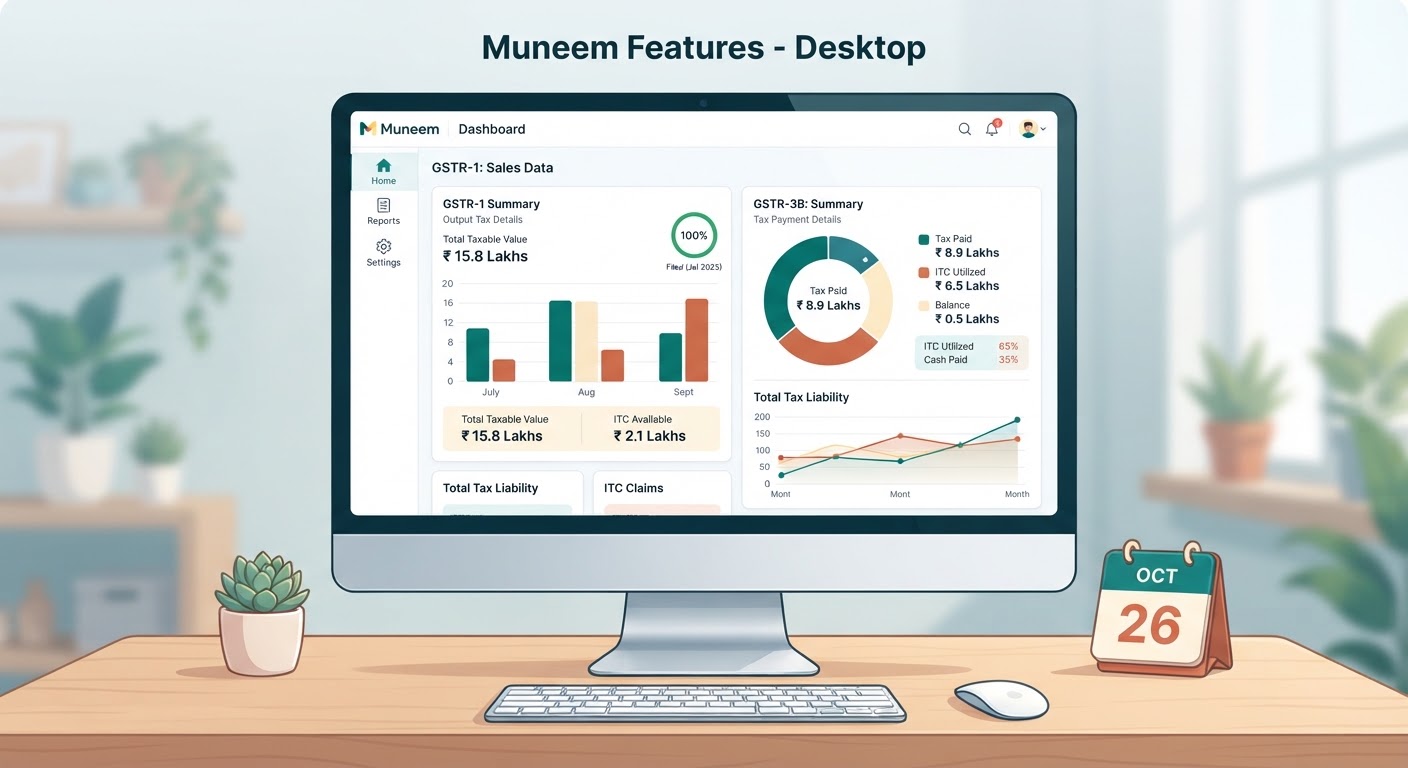
In Muneem, every item in your catalog stores its HSN/SAC and tax rate. Invoices pull them automatically, the code prints at the right digit-length for your turnover, and the HSN summary in your GSTR-1 is built from the same data — so the code you picked once stays correct everywhere.